






If your team is evaluating browser test automation, there’s a good chance the conversation starts with Cypress vs Playwright.
Both tools have earned their popularity. Playwright is widely used by engineering teams that need reliable end-to-end testing, cross-browser support, and strong CI/CD integration. Cypress remains a favorite among frontend developers who want an interactive testing experience, fast local feedback, and approachable debugging tools.
But choosing between Playwright and Cypress is only part of the decision. The bigger question is who will create, maintain, and rely on the tests over time.
Playwright and Cypress are code-first testing frameworks. They work best when developers or automation engineers can own the test suite as part of the codebase. For many teams, that’s a good fit. For others, especially teams with QA generalists, product managers, agencies, or small engineering groups, critical browser testing can become bottlenecked by engineering time.
That’s why no-code browser testing belongs in the comparison. It does not replace every Playwright or Cypress test, but it can give teams a faster and more accessible way to cover important user workflows.
This guide compares Playwright, Cypress, and no-code browser testing so you can decide which approach fits your team, your application, and your testing goals.
Table of Contents
- Cypress vs Playwright: How they compare
- The hidden challenge of code-first testing
- No-code testing vs Playwright and Cypress
- Playwright, Cypress, or no-code testing: Common use cases
- Using code-first and no-code testing together
- Using Ghost Inspector alongside Playwright and Cypress
- Final recommendation
Cypress vs Playwright: How they compare
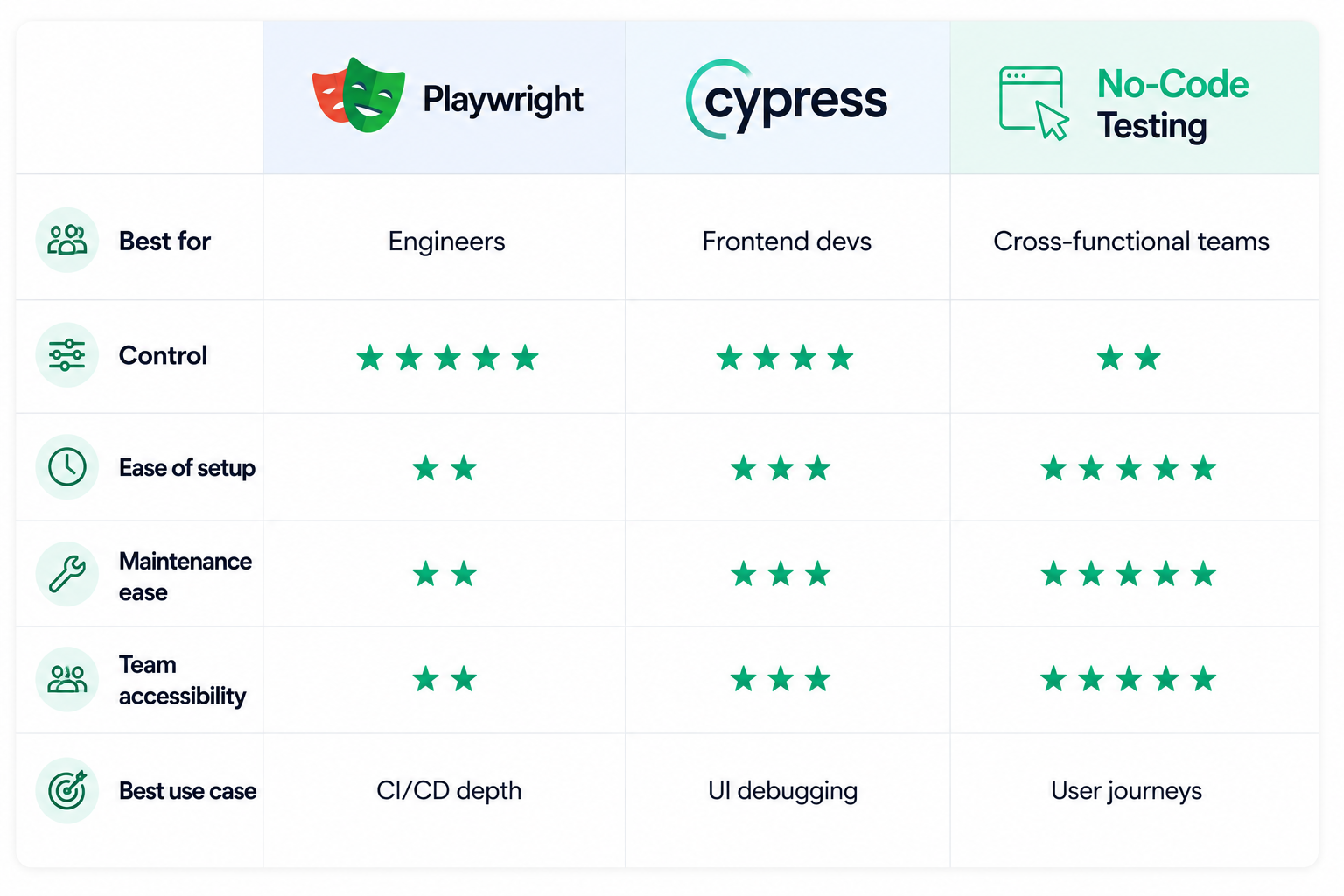
Cypress and Playwright both help teams automate browser testing, but they are built around different strengths.
Playwright is often the better fit for teams that need scale, cross-browser coverage, and deeper technical control. It supports Chromium, Firefox, and WebKit, which makes it useful for teams that care about testing across multiple browser engines. It also gives engineers strong control over browser contexts, authentication states, network activity, parallel execution, and CI/CD workflows. For teams building a modern end-to-end testing suite from scratch, Playwright is often the stronger long-term choice.
Cypress is known for its developer experience. Its in-browser test runner makes it easy to watch tests execute, inspect failures, and debug frontend behavior while building. For teams working heavily in JavaScript frameworks like React, Vue, or Angular, Cypress can feel approachable and productive. It is especially useful when front-end developers want fast feedback during active development.
In broad terms, Playwright tends to stand out for CI reliability, cross-browser coverage, and flexibility. Cypress tends to stand out for local development, frontend debugging, and ease of use for JavaScript teams. Neither tool is inherently “better” for every team. The right choice depends on your application, your workflow, and the people who will maintain the tests over time.
The hidden challenge of code-first testing
A well-maintained Playwright or Cypress suite can be extremely valuable. It can catch regressions before deployment, give engineers confidence when refactoring, and reduce the amount of manual testing required before a release. But the key phrase is “well-maintained.”
Automated tests require ongoing work. Someone needs to write the initial tests, choose selectors, manage test data, configure environments, review failures, fix flaky tests, and update coverage as the product changes. That is manageable when test automation has clear ownership. It becomes harder when the work falls between engineering, QA, and product without anyone having enough time to keep the suite healthy.
This is where many teams run into trouble with code-first testing. A developer may set up Playwright or Cypress and write the first few tests. The suite works for a while. Then the product changes, a few tests break, and maintenance starts competing with feature work. Over time, the team stops trusting the results, and the test suite becomes something people occasionally fix instead of something they rely on every day.
That does not mean Playwright or Cypress failed. It means the ownership model did not match the team.
No-code testing vs Playwright and Cypress
The practical difference between no-code testing and code-first frameworks is not just technical depth. It is also about who owns the work.
Playwright and Cypress fit naturally into engineering workflows. Tests live in the codebase, run through CI/CD, and are reviewed and maintained by developers or automation engineers. That is a strong model for implementation-level tests, complex assertions, API interactions, custom setup logic, and workflows that need detailed programmatic control.
No-code browser testing fits naturally around customer-facing workflows. These are the paths where the main question is not whether a specific function returned the right value, but whether a real user can still complete an important task. Can they sign up? Can they log in? Can they complete checkout? Can they submit a form? Can they access the dashboard after a deployment? Can they complete the action your product is built around?
Those workflows can be automated in Playwright or Cypress, but they do not always need to be. If the people closest to those workflows are outside engineering, a no-code tool can make the coverage easier to create, easier to review, and easier to keep current.
That makes no-code testing useful for a different layer of coverage. Playwright and Cypress are strongest when engineers need precise control over application behavior. A tool like Ghost Inspector is strongest when the team needs dependable end-to-end coverage for real user workflows that should be monitored continuously.
Playwright, Cypress, or no-code testing: Common use cases
Playwright, Cypress, and no-code browser testing can all support automated browser testing, but they solve different problems for different teams.
Choose Playwright when your team needs deep technical control
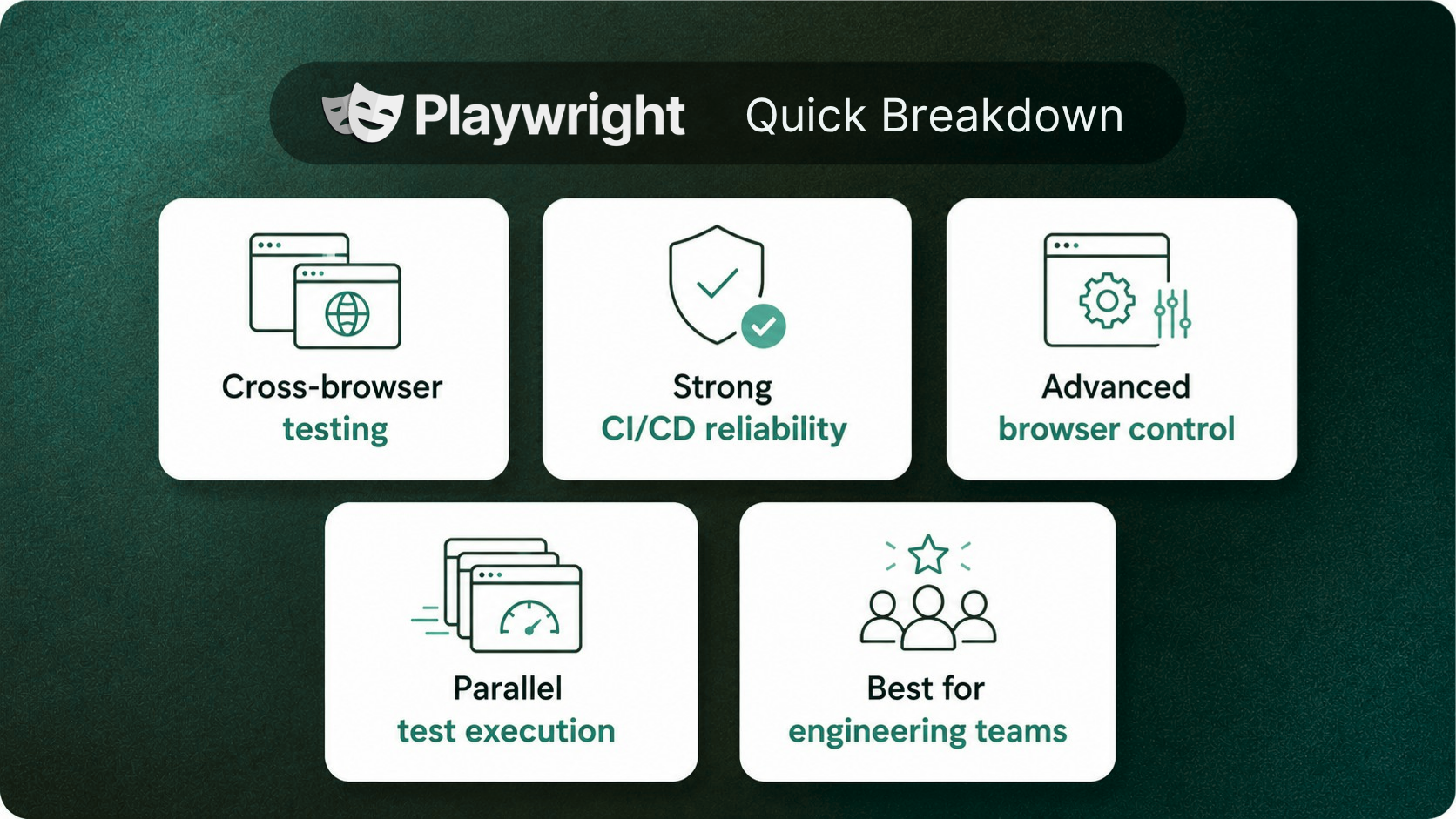
Playwright is a strong choice when developers or automation engineers can own the test suite over time. It works especially well for teams that need cross-browser coverage, parallel execution, authentication handling, network interception, advanced assertions, or reliable CI/CD integration.
Playwright also makes sense when automated testing already lives close to the codebase. If engineers are comfortable reviewing test code, debugging CI failures, managing fixtures, and maintaining test infrastructure, Playwright gives them a flexible foundation for browser automation.
Choose Cypress when frontend developers need fast feedback
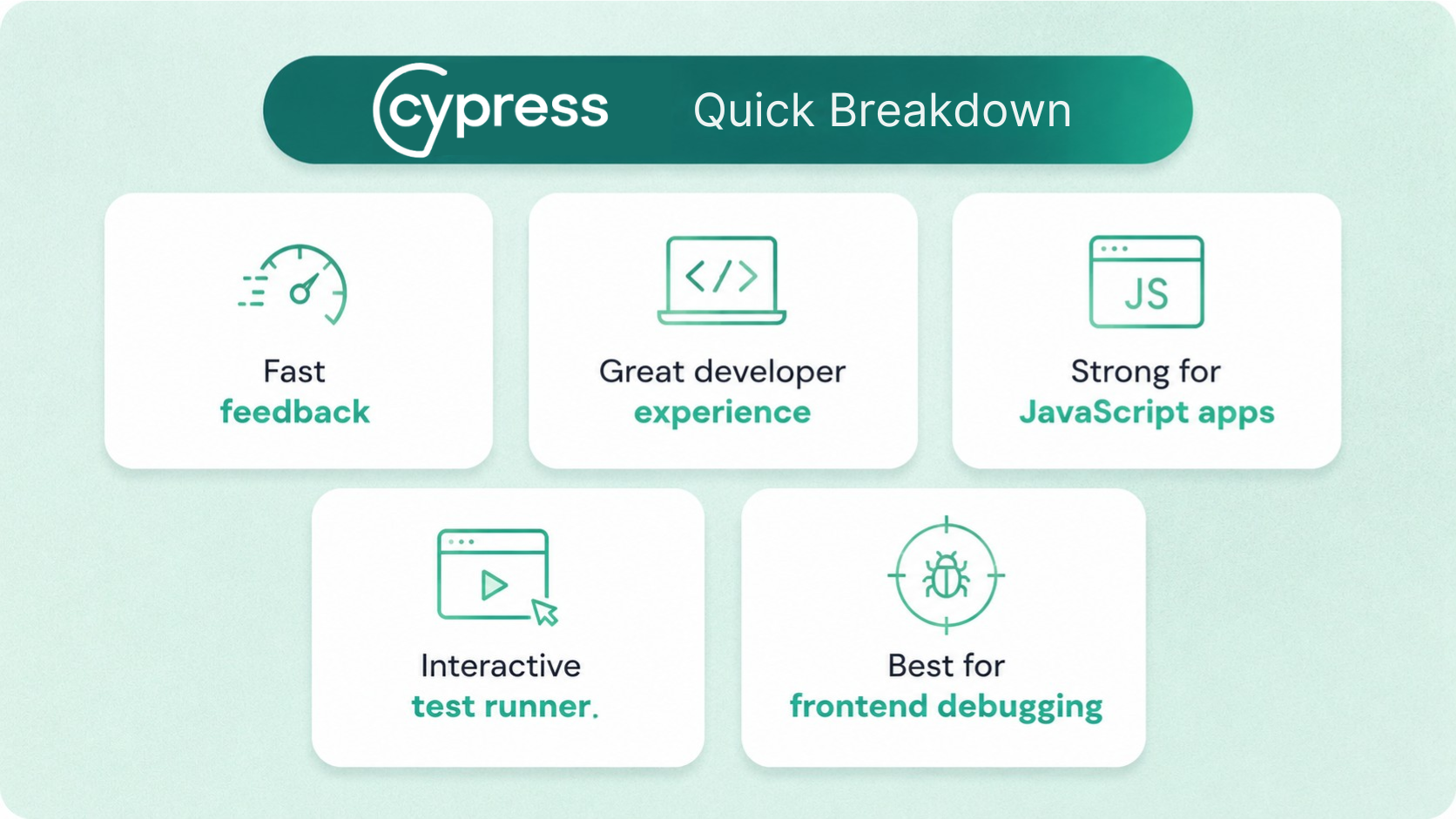
Cypress is a strong choice for frontend teams that want an excellent local development and debugging experience. Its interactive test runner makes it easy to watch tests execute, inspect failures, and understand what changed in the UI.
Cypress is especially useful for teams working in modern JavaScript frameworks where front-end developers are the primary owners of test automation. It may not be the best fit for every cross-browser or large-scale CI use case, but it remains a productive option for JavaScript-heavy teams that want fast feedback while building.
Choose no-code browser testing when coverage should not depend entirely on engineering time
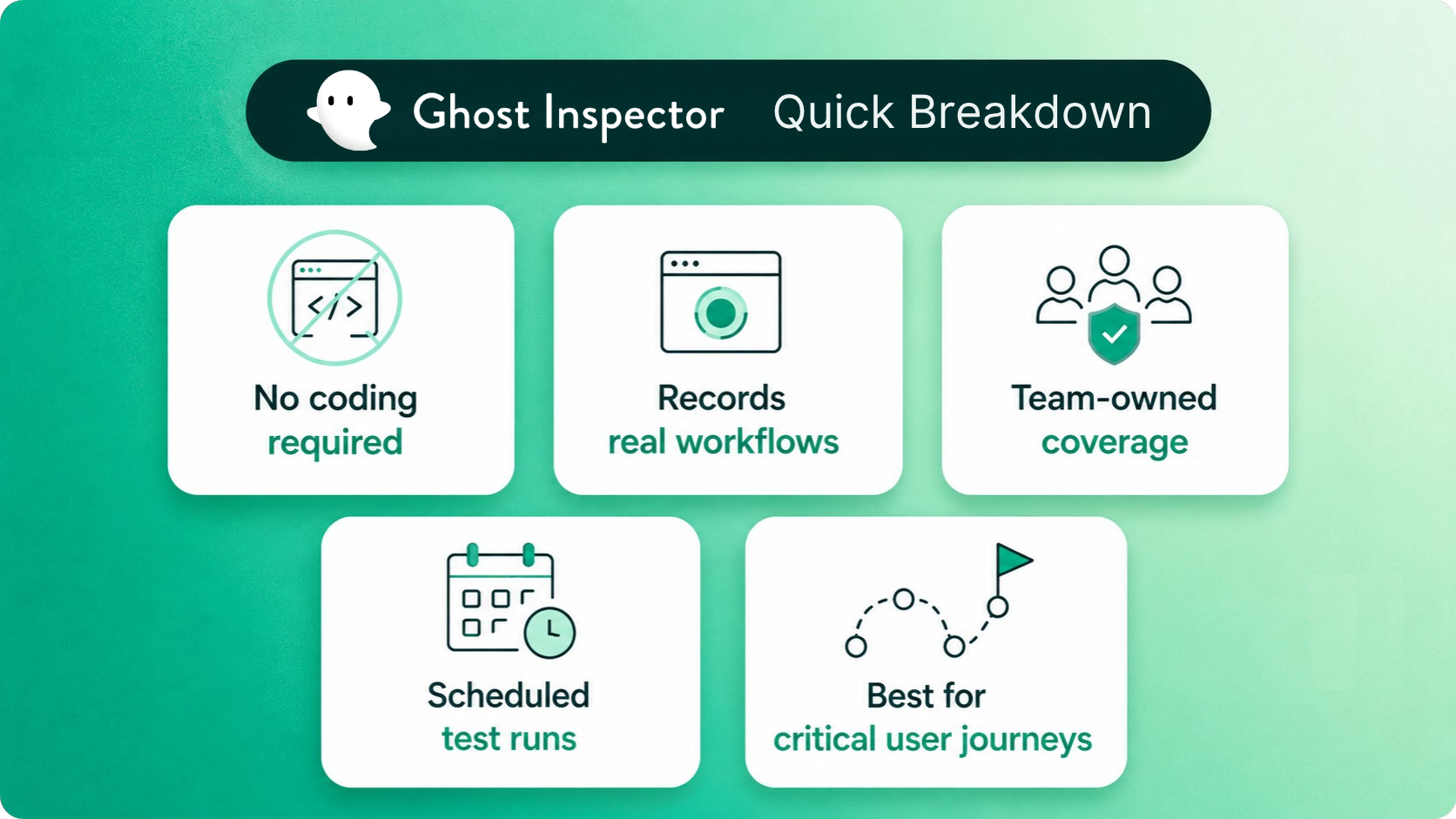
No-code browser testing is a good fit when your team needs reliable automated coverage, but not every test should require a developer to write or maintain code. That might be because your QA team has strong product knowledge but limited scripting experience. It might be because developers are already focused on feature work. Or it might be because the workflows you care about most are business-critical, but not technically complex.
This is where a tool like Ghost Inspector can help. Teams can record real user interactions, turn them into automated browser tests, and run those tests on a schedule or as part of a deployment workflow. That makes it easier to cover important paths like signup, login, checkout, billing, onboarding, form submissions, and other user journeys that should not quietly break.
Using code-first and no-code testing together
For many teams, the strongest testing strategy is not choosing only one tool. It is using each tool for the type of coverage it handles best.
Playwright or Cypress can cover tests that need to live close to the application code. These might include complex authentication flows, edge cases with detailed setup, API-dependent scenarios, or tests that require advanced assertions and engineering control.
Ghost Inspector can cover the browser workflows that the broader team needs to monitor consistently. These are often the user journeys tied to revenue, onboarding, support, customer trust, or release confidence. Product managers, QA analysts, support teams, and other non-engineers can help create and maintain this coverage without waiting for developer bandwidth.
Used together, code-first and no-code testing create a more balanced approach. Engineers keep control over technical test cases, while the wider team can contribute to practical end-to-end coverage for the workflows customers actually experience.
Using Ghost Inspector alongside Playwright and Cypress
Ghost Inspector complements Playwright and Cypress by adding an accessible layer of automated browser testing around critical user journeys.
Instead of writing every test as code, teams can use Ghost Inspector’s web test recorder to capture real interactions in the browser. Those tests can then run on a schedule, trigger from CI/CD pipelines, send alerts when failures occur, and provide screenshots or videos so teams can quickly understand what went wrong.
For teams already using Playwright or Cypress, Ghost Inspector helps expand coverage beyond engineering-owned test suites. It gives QA, product, and operations teams a practical way to monitor important workflows without adding every test request to the development backlog.
For teams that have not yet adopted code-first automation, Ghost Inspector can also provide a faster starting point. Instead of waiting to build a full testing framework, teams can begin automating manual regression checks and production workflows right away.
The goal is not to replace every Playwright or Cypress test. The goal is to make sure critical user journeys are tested consistently, even when engineering time is limited.