


AI coding tools have quickly become part of everyday software development. What started as an experiment is now a normal part of how many teams write, ship, and update code, with tools like GitHub Copilot, Cursor AI code editor, Anthropic’s Claude, and ChatGPT being used across a wide range of workflows.
The productivity gains are real. Developers are moving faster, shipping more changes, and spending less time on repetitive work. But as output increases, so does the risk. More code means more opportunities for issues to slip through, especially if testing practices stay the same.
Research suggests AI-generated code can introduce more problems than many teams expect, particularly in areas like logic, security, and edge-case behavior. That doesn’t mean these tools shouldn’t be used. It means testing needs to scale with how quickly code is being produced.
In this article, we’ll look at what current data says about AI-generated code quality, where the most common risks show up, and why automated browser testing is becoming more important as AI becomes a larger part of the development workflow.
Table of Contents
- The uncomfortable data on AI code quality
- Speed without safeguards is a recipe for production incidents
- Why traditional testing approaches don’t scale with AI-assisted development
- What AI code’s failure modes mean for browser testing
- A practical testing strategy for AI-assisted development teams
- 2026 is the year the industry gets serious about AI code quality
- The bottom line
The uncomfortable data on AI code quality
The productivity gains from AI coding tools are easy to see. The quality tradeoffs are harder to spot until something breaks.
But the data is starting to show where things go wrong. An analysis of real-world pull requests found that AI-generated code introduces significantly more issues than human-written code, including logic errors, security vulnerabilities, and performance problems.
Security is where the gap becomes especially concerning. In some cases, AI-generated code has been shown to introduce more cross-site scripting vulnerabilities, along with a higher likelihood of insecure object references and improper password handling. Other research has found that a meaningful share of AI-generated code in sensitive contexts contains critical vulnerabilities that can make it to production.
Developers themselves are aware of the risk. Stack Overflow’s 2025 developer survey found that nearly half of developers report they don’t trust the accuracy of AI-generated code, and only a small percentage say they highly trust it. That skepticism shows up in practice, with most teams still reviewing AI-generated code carefully before merging it.
The challenge is that review alone doesn’t catch everything. AI-generated code often looks correct on the surface, but fails in ways that are harder to detect, especially when it comes to business logic, integrations, and edge cases that only appear in real-world usage.
Speed without safeguards is a recipe for production incidents
As teams adopt AI coding tools, they’re increasing output without necessarily increasing validation. More pull requests are being opened, reviewed, and merged in less time. That’s good for velocity, but it also increases the number of changes that can introduce regressions or break existing functionality.
While development output has increased, incident rates and change failure rates have also gone up. In other words, teams are shipping more code, but a larger share of that code is causing problems once it reaches production.
This creates a gap that many teams are still adjusting to. The workflows that worked when development was slower don’t hold up when code is being generated and deployed at a much higher pace. Manual checks, spot testing, or relying on code review alone can’t consistently catch issues across that volume of change.
The result is that problems are more likely to surface after release, whether it’s a broken user flow, a failed integration, or a small change that has unintended side effects elsewhere in the product.
Why traditional testing approaches don’t scale with AI-assisted development
The challenge many teams are running into isn’t just that AI-generated code can introduce more issues. It’s that the volume of code being shipped has changed faster than testing practices have.
When developers were writing every line of code manually, there was a natural limit on how much new functionality could be introduced in a given sprint. That limit helped keep testing manageable, even if it wasn’t perfect. Teams could rely on a mix of code review, manual QA, and targeted testing to catch most issues before release.
That constraint doesn’t exist in the same way anymore. With AI-assisted development, teams are producing more code, making more changes, and iterating faster than before. The surface area that needs to be tested grows with every release.
This is where traditional approaches start to fall short. Manual regression testing, in particular, becomes difficult to maintain as the number of possible user paths increases. What used to be a quick set of checks can turn into a time-consuming process that’s easy to rush or skip when deadlines are tight.
Even code review has limits. AI-generated code often looks clean and follows familiar patterns, which makes it harder to catch issues by reading through it alone. Problems with logic, integrations, or edge cases are more likely to show up when the code is actually running, not when it’s being reviewed.
As development speeds up, testing needs to keep pace. Without that, gaps start to form, and those gaps are where regressions and production issues tend to slip through.
What AI code’s failure modes mean for browser testing
Many of the issues introduced by AI aren’t obvious syntax errors or broken builds. The code often looks correct and passes basic checks, but behaves incorrectly in specific situations. That’s especially true for logic errors, which are one of the most common types of issues in AI-generated code.
These kinds of problems are difficult to catch through code review alone. They usually only show up when someone interacts with the product and sees something unexpected happen, like a form that doesn’t submit correctly, a workflow that breaks midway, or a calculation that produces the wrong result under certain conditions.
Integration issues are another common challenge. AI tools don’t always have full context of how different parts of a system interact, which can lead to changes that work in isolation but break when combined with other components. These failures tend to surface when the full application is running, not when individual pieces are tested on their own.
User interface and flow regressions are also more likely when AI is used to generate or modify frontend code. A small change to a selector, a button, or a form can quietly break a critical path without immediately being noticed.
These are the types of issues that browser testing is designed to catch. By testing real user interactions across the full application, teams can validate that core workflows still function as expected, even as the underlying code changes more frequently.
A practical testing strategy for AI-assisted development teams
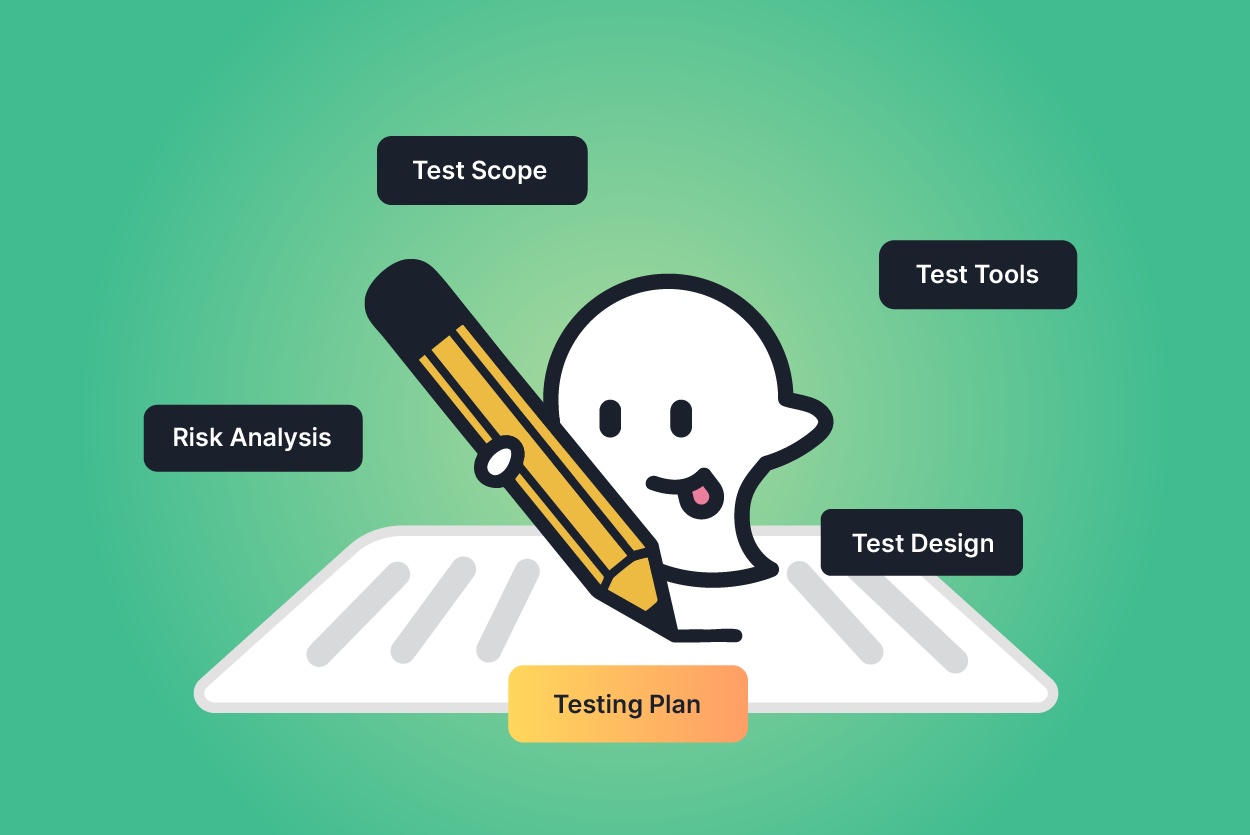
Teams that are successfully managing the risks of AI-assisted development tend to adjust how they approach testing, not just how they write code.
One of the most important shifts is treating AI-generated code with the same level of scrutiny as any unreviewed external contribution. Just because code is generated quickly doesn’t mean it has been fully reasoned through in the context of your product. Careful review and validation are still necessary, especially for changes that affect core functionality.
At the same time, review alone isn’t enough. Teams need to invest in test coverage for the parts of the product that matter most, particularly critical user flows like signup, checkout, and key workflows. These are the areas where issues have the greatest impact, and where testing provides the most value.
Another key change is how often tests are run. In environments where code can move from development to production quickly, testing needs to happen continuously rather than just before a release. Running tests on every deployment helps catch issues early, before they have a chance to affect users.
For many teams, scaling this kind of coverage also means rethinking how tests are created and maintained. Traditional automation approaches can require significant time and technical overhead, which makes it difficult to keep pace with increasing development speed. Tools that allow teams to create and run tests without heavy engineering effort can make it easier to build and maintain coverage across the application.
2026 is the year the industry gets serious about AI code quality
Over the past year, most of the focus around AI in software development has been on speed. Teams have been quick to adopt tools that help them write more code and ship faster, and in many cases, those gains have been meaningful.
What’s becoming clearer now is that speed is only part of the equation. As more AI-generated code makes its way into production, the quality side of that equation is getting more attention.
There are already signs of this shift. Engineering teams are seeing higher rates of incidents tied to changes, more time spent debugging issues that weren’t caught earlier, and growing backlogs of technical debt. These patterns are starting to push teams to rethink how they validate what they ship.
For many teams, that means putting more emphasis on automated testing, especially for the parts of the product that directly impact users. It also means treating testing as something that happens continuously, not just as a final step before release.
The teams that adjust to this shift will be in a stronger position to keep moving quickly without sacrificing reliability. Those that don’t may find that the cost of fixing issues after release starts to outweigh the benefits of increased development speed.
The bottom line
AI-assisted development is increasing how quickly teams can write and ship code. But it’s also changing the risk profile of what gets released.
More code, generated faster, means more opportunities for issues to slip through, especially when testing practices haven’t evolved to match. The data is already showing that AI-generated code introduces more problems across logic, security, and performance, and many of those issues aren’t obvious until the code is running in a real environment.
Automated testing helps close that gap. By validating real user interactions and running continuously as code changes, it gives teams a practical way to catch issues earlier and maintain confidence in what they ship.
As development speeds up, testing can’t stay the same. Ghost Inspector helps teams build automated browser tests for critical user flows and run them on every deployment.
Start your free trial or book a demo to see how it works in practice.