






Choosing an automated web testing tool can feel straightforward at first: compare the features, check the pricing, start a trial. But the tool your team chooses can shape how quickly you release, how confidently you catch bugs, and how much testing work your team can realistically maintain over time.
To help teams ask better questions before choosing a platform, we spoke with Amber Leno, Ghost Inspector’s revenue manager. Amber spends her days talking with QA teams, developers, product teams, and business users who are trying to figure out what to automate, who should own it, and whether a testing tool will actually fit into their workflow.
That gives her a practical view into where evaluations tend to go well, where teams get stuck, and what questions are worth asking before you commit to a tool. Here are the seven she recommends starting with.
Table of Contents
- How to choose the right automated web testing tool
- 1. What problem are you trying to solve?
- 2. Who will create and maintain your automated web tests?
- 3. Which user flows matter most?
- 4. Can the tool work with your real environments and workflow?
- 5. How easy is it to understand automated web test failures?
- 6. Will the tool grow with your team?
- 7. What should success look like after the trial or demo?
- Final thoughts: Choose the tool that matches your team’s reality
How to choose the right automated web testing tool
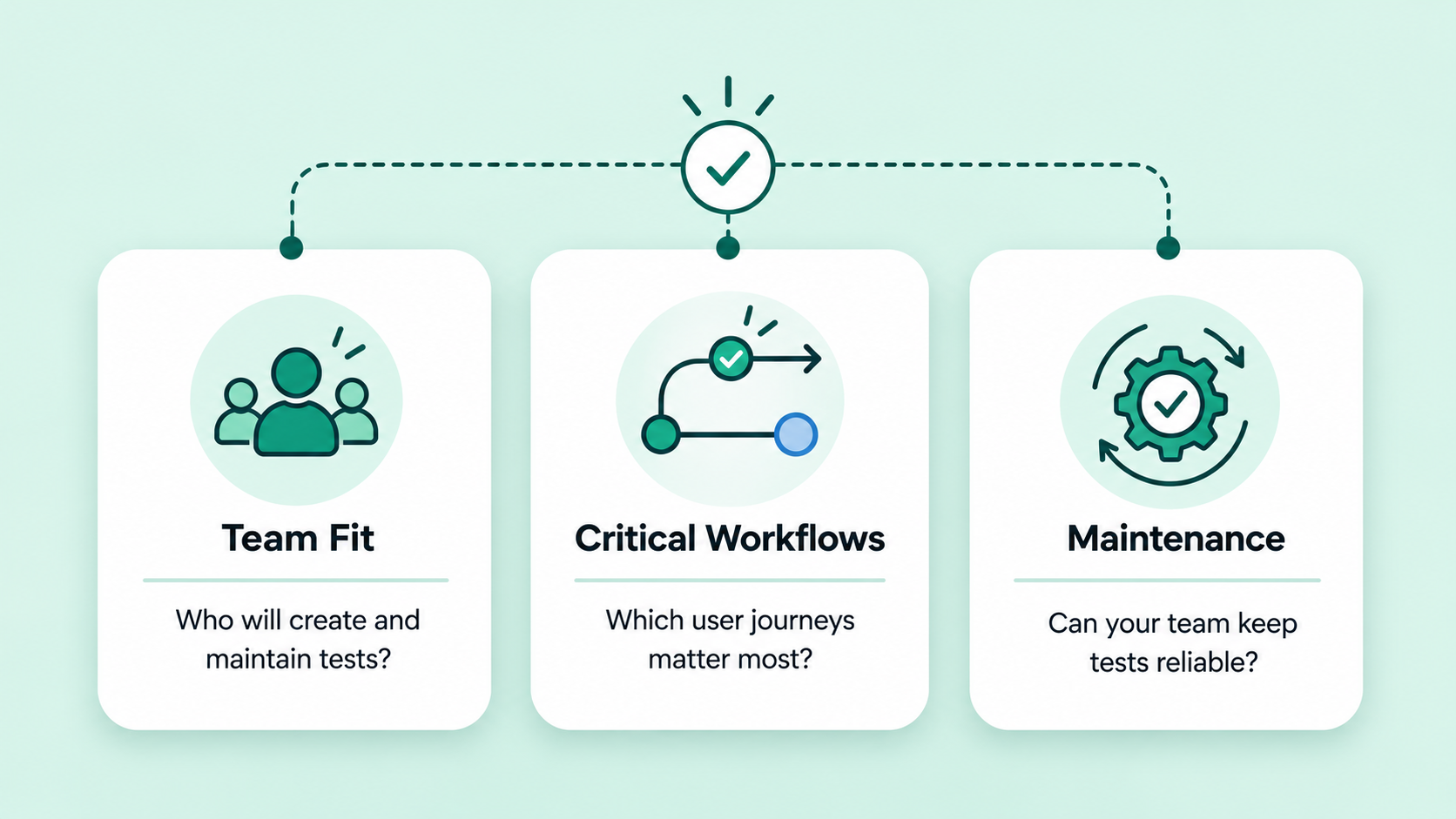
Choosing the right automated web testing tool starts with understanding your team, not just the platform. The best fit depends on who will create tests, who will maintain them, how often your application changes, and where testing needs to fit into your release process.
For some teams, automated testing is owned by QA engineers or developers. For others, the people closest to the workflows may be in product, support, operations, or marketing. That difference matters. A tool that works well for a code-heavy QA team may not be the right fit for a team that needs to create and update tests without writing automation code.
As you evaluate your options, use the questions below to clarify what your team actually needs before starting a trial, booking a demo, or committing to a testing platform.
1. What problem are you trying to solve?
Before comparing features, take a step back and look at what your team is actually trying to fix.
For many teams, the need for automation shows up as one or several pressure points:
- Manual regression testing is taking too long for the release schedule.
- Bugs are making it into production because important flows are not checked consistently.
- Releases are happening more frequently, but QA capacity has not grown with them.
- Critical customer journeys need ongoing monitoring.
- The team needs a more reliable way to know whether core workflows still work after changes go live.
Teams often start demos by asking whether a platform supports a specific feature. But in Amber’s experience, that usually isn’t the best first question.
“A feature checklist is helpful, but only after you know what problem you’re trying to solve,” Amber explains. “Once that pain point is clear, it’s much easier to tell whether a tool is actually the right fit.”
2. Who will create and maintain your automated web tests?
One of the biggest differences between automated testing tools is who they’re designed for.
Some platforms require developers or automation engineers to write and maintain code-based tests. Others provide no-code or low-code approaches that allow QA professionals, product managers, customer support teams, or other non-technical users to build tests.
Neither approach is inherently better—it depends on your team. If you’re still weighing whether a framework or no-code tool makes more sense, comparing Cypress, Playwright, and no-code testing side by side can make the tradeoffs easier to see.
Maintenance is also worth considering. Creating your first automated test is usually the easy part. Maintaining dozens or hundreds of tests over time is where many teams encounter challenges.
Teams are sometimes surprised by how much long-term maintenance matters. As Amber put it, “Creating the first few tests is usually the exciting part. The bigger question is whether your team can keep those tests reliable as the application changes.” A tool that’s easy to update after UI changes can save significant time as your application evolves.
For teams looking for a codeless option, Ghost Inspector uses a no-code test recorder that makes creating and updating browser tests accessible without writing automation code.
3. Which user flows matter most?
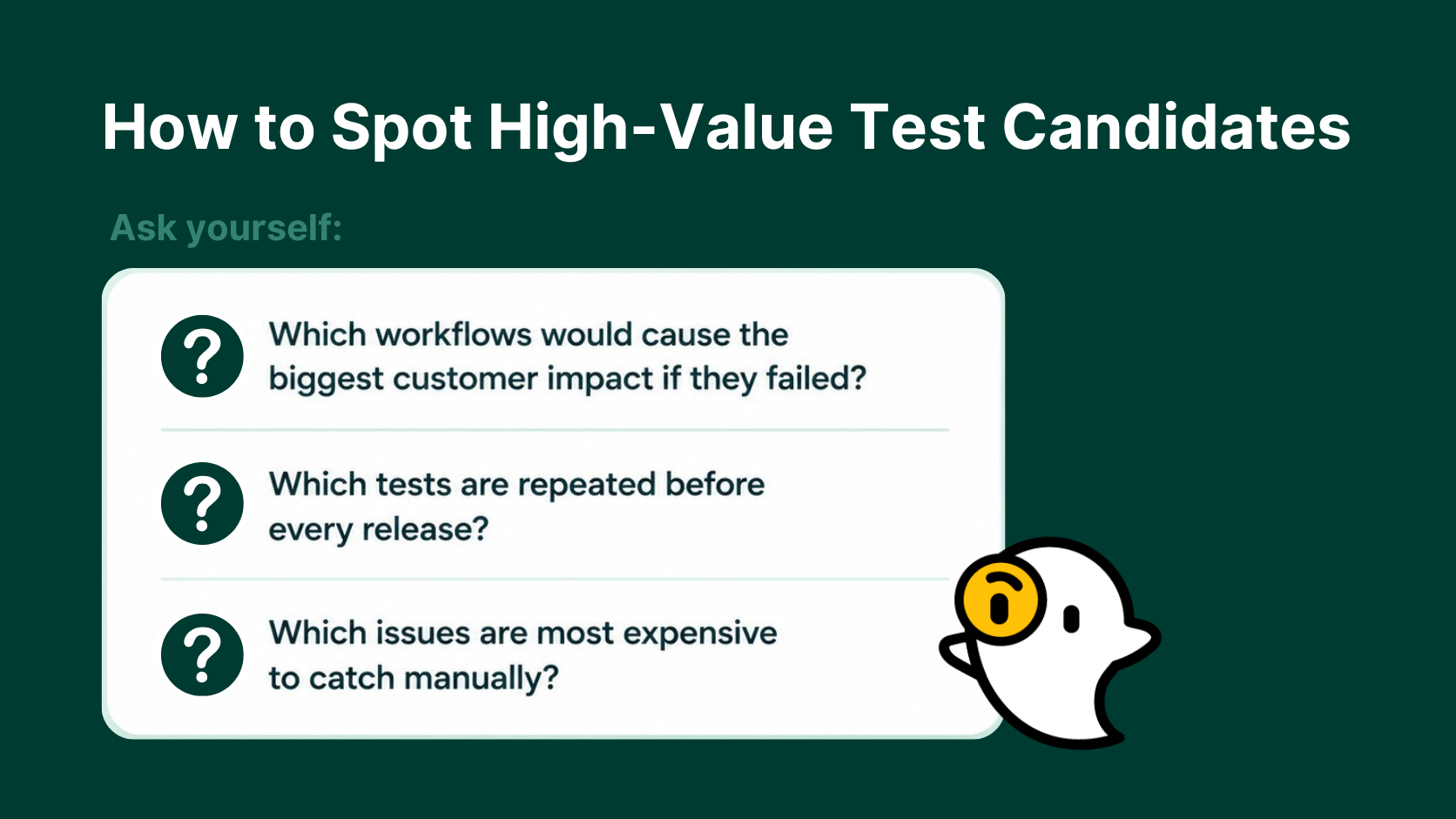
A common mistake is trying to automate every possible test from day one. Instead, start with the workflows that have the biggest business impact.
These often include:
- User login
- Account registration
- Password reset
- Checkout or payment flows
- Contact or lead forms
- Account management
- Customer portals
- Any workflow that’s critical to your business
The most productive demos usually start with a small number of high-value scenarios rather than an exhaustive list of every feature in the application. “The teams that get the most out of a demo usually come in with a few real workflows they care about,” Amber says. “That gives everyone a much clearer picture of whether the tool will work for their day-to-day needs.”
4. Can the tool work with your real environments and workflow?
Automation is much easier to stick with when it fits into the way your team already ships software. If a tool forces everyone to build a brand-new process around it, adoption can get harder before the tests ever prove their value.
Amber put it this way: “It’s one thing to ask if a tool can run a browser test. It’s another to ask whether it can run that test in the same places, at the same times, and with the same alerts your team already depends on.”
As you evaluate testing tools, consider questions like:
- Can it test staging and production environments
- Does it support private or authenticated applications?
- Will it integrate with your CI/CD pipeline?
- Can it trigger tests through an API?
- Does it send alerts through Slack or email?
- Can tests run automatically on a schedule?
This is often where teams uncover practical requirements they had not fully considered yet. The goal is not simply to run tests somewhere; it is to make automated testing feel like a natural part of your release process.
5. How easy is it to understand automated web test failures?
A failed automated test is only helpful if your team can understand what happened quickly.
Trust matters here. “Teams need to trust the alerts they’re getting,” Amber says. “If failures are hard to understand, or if tests are constantly breaking for reasons that are not real user issues, automation becomes much harder to stick with.”
When something breaks, your team should be able to quickly determine:
- What failed
- Where it failed
- Why it failed
- What changed
Look for tools that provide:
- Screenshots
- Video recordings
- Detailed execution logs
- Clear error messages
- Fast notifications
It’s also worth asking how the tool handles test reliability. If tests fail inconsistently or produce too many false positives, teams may start ignoring them. Clear failure reporting helps reduce the time between discovering an issue and fixing it. Just as importantly, it helps teams keep trusting their automated tests instead of treating every alert like noise.
6. Will the tool grow with your team?
Automation efforts rarely stay the same size for long. A team might start with a handful of smoke tests, then add more coverage once the process feels reliable and useful.
That is why it helps to think beyond the first few tests. A trial can show whether your team can build a test, but it should also help you understand whether the tool will still work for your team six months from now.
Consider whether the platform supports:
- Test suites and organization
- Parallel or concurrent execution
- Data-driven testing
- Multiple browsers
- Team collaboration
- Easy maintenance as coverage expands
Choosing a tool that scales well can prevent costly migrations later.
7. What should success look like after the trial or demo?
A trial or product demo does not need to prove every possible use case overnight. Treat the demo or trial like a small version of your real process. Instead of treating that time like a general product tour, use it to see whether the tool can help your team build, run, troubleshoot, and maintain a few meaningful tests.
Define a few realistic goals, such as:
- Building a handful of reliable automated tests
- Monitoring one critical customer workflow
- Confirming alerts reach the right people
- Estimating how much manual testing time could be eliminated
- Understanding what onboarding or support is available if your team gets stuck
- Determining whether your team can realistically maintain the tests over time
Clear goals make it easier to compare tools fairly.
Final thoughts: Choose the tool that matches your team’s reality

The best automated web testing tool will be the one your team consistently uses, maintains, and trusts.
When your testing strategy aligns with your team’s workflows, technical expertise, and what matters most to your team, automation becomes far more valuable than simply checking boxes on a comparison chart.
If you’re evaluating your options, start with a small set of meaningful workflows and pay attention to how much time, clarity, and confidence automation adds to your release process.
If your team is actively comparing automated web testing tools, it can help to look at your real workflows instead of a generic feature list. You can start a free Ghost Inspector trial to build a few tests on your own, or book a personalized demo with Amber to walk through setup, maintenance, and how a no-code approach could fit your team’s process.